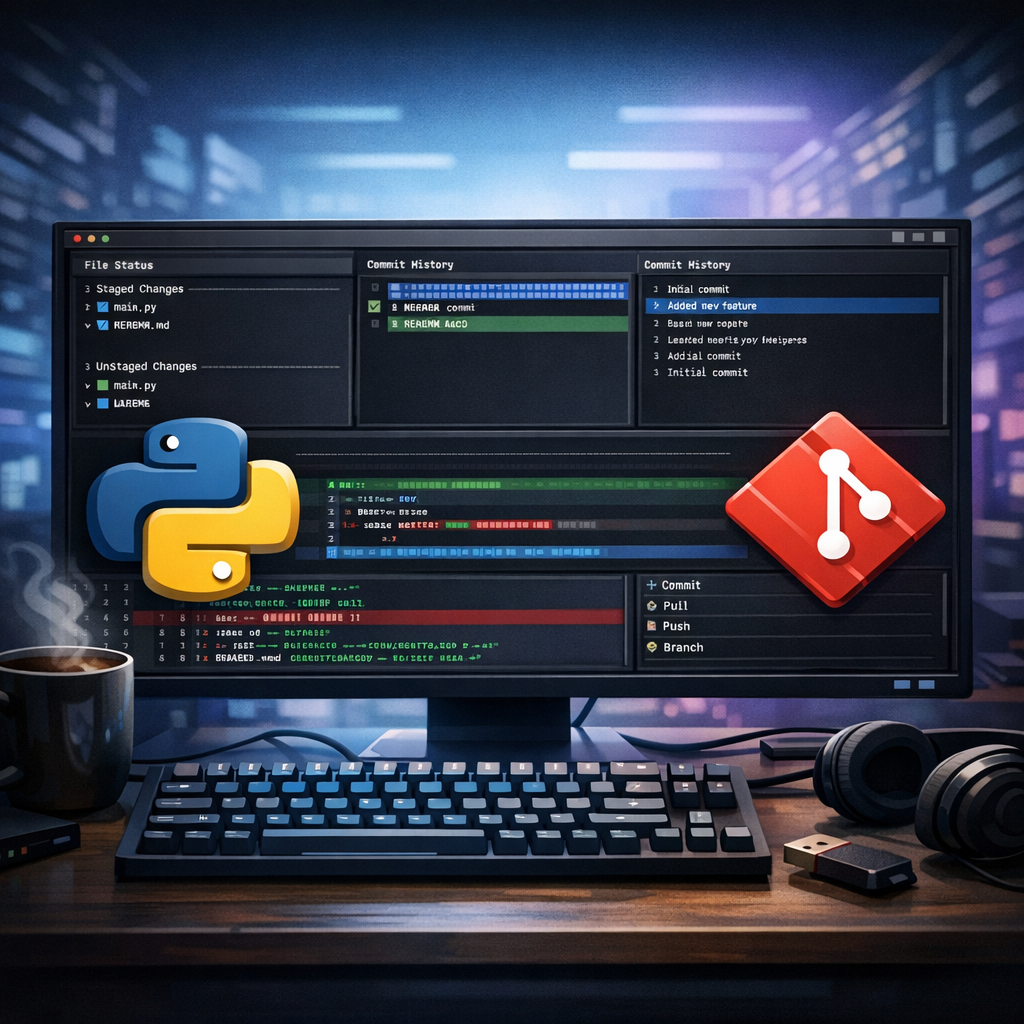
A Terminal-First Git Experience in Python
For developers who live in the terminal, context-switching can feel like friction. Every time you jump from your editor to a GUI Git client—or even juggle multiple CLI commands—you lose flow. That’s why terminal user interfaces (TUIs) like LazyGit have built such a loyal following. But what if you wanted something similar, built entirely in Python, with zero external dependencies?
Enter pygitzen, a terminal-based Git client designed for developers who prefer lightweight, Python-native tools. In this article, we’ll explore what pygitzen offers, why it matters, how it compares to existing tools, and how you can start using it today. Along the way, we’ll also look at early feedback and what it reveals about building developer tools.
Exploring pygitzen’s Core Features
Understanding pygitzen: A Python-First Git TUI
At its core, pygitzen is a terminal user interface for interacting with Git repositories. Instead of typing multiple Git commands or relying on a graphical interface, you can perform common version control tasks directly inside a structured, keyboard-driven UI.
The project is inspired by tools like LazyGit but takes a different approach: it is implemented entirely in Python. That means no dependency on external binaries beyond Git itself, making it particularly appealing in restricted environments where installing system-wide tools isn’t feasible.
With pygitzen, you can:
Navigate commit history with a branch-aware view, making it easier to understand how changes evolve over time.
Inspect file diffs without leaving your terminal, helping you review code changes quickly.
Track file states, including staged and unstaged changes.
Manage branches and monitor push status indicators.
Use familiar Vim-style navigation (j/k for movement, h/l for switching panes), which feels natural for many terminal-first developers.
Imagine reviewing a pull request locally: instead of jumping between `git log`, `git diff`, and `git status`, pygitzen brings everything into a unified interface. This reduces cognitive load and keeps your workflow tight.
[Suggested visual: Screenshot of pygitzen interface showing commit history, file changes, and diff panel side by side.]
Why Python-Only Tools Can Be Powerful
Why a Pure Python Git Client Matters
You might wonder: why build another Git client when tools like LazyGit already exist?
The answer lies in environment constraints and developer preferences. In some systems—such as corporate machines, educational environments, or minimal containers—you may only have access to Python packages. Installing external binaries can be restricted or cumbersome.
A pure Python tool like pygitzen fits neatly into these scenarios. A simple `pip install pygitzen` is often all you need. No admin privileges, no manual PATH configuration, no platform-specific binaries.
There’s also a philosophical angle. Python developers often prefer staying within the Python ecosystem, whether for extensibility, scripting, or familiarity. A Python-native TUI opens the door for customization and contributions from a broader audience.
That said, it’s worth noting an important nuance raised in community discussions: performance differences between languages (Python vs Go or Rust) are often less significant than expected in this context. Git operations themselves dominate execution time, so the UI layer’s language rarely becomes the bottleneck.
This highlights an important lesson: developer experience often matters more than raw performance for tools like this.
Comparing pygitzen to Established Tools
How pygitzen Compares to Existing Tools
LazyGit remains the gold standard for terminal Git interfaces, offering a polished experience and extensive features. However, pygitzen positions itself differently rather than trying to compete directly on maturity.
The key differentiators include its Python-only implementation and its focus on accessibility in restricted environments. While LazyGit can often be installed without admin rights by downloading binaries and adding them to your PATH, pygitzen simplifies this even further for Python-centric workflows.
Feature-wise, pygitzen already includes several familiar concepts:
A VSCode-style file status panel that separates changes visually.
A commit history view that adapts to branches.
Push status indicators that give quick feedback on repository state.
Keyboard-driven navigation inspired by Vim.
However, early user feedback suggests that the project is still evolving. Some users have pointed out usability challenges such as limited theme customization, unclear selection highlighting, and layout issues where certain panels dominate too much space.
This kind of feedback is typical—and valuable—for early-stage developer tools. It reveals where expectations are shaped by mature tools like LazyGit and where improvements can make the biggest impact.
[Suggested visual: Side-by-side comparison diagram of pygitzen vs LazyGit highlighting similarities and differences.]
Getting Started and Improving the Experience
Getting Started with pygitzen
If you’re curious to try pygitzen, the setup process is refreshingly simple.
First, install the package using pip:
pip install pygitzen
Next, navigate to any Git repository on your system:
cd
Then launch the interface:
pygitzen
Once inside, you can begin exploring your repository using keyboard navigation. If you’re familiar with Vim or tools like LazyGit, the learning curve will feel minimal.
For new users, a helpful approach is to start with simple workflows:
Browse recent commits and observe how branches are displayed.
Select a commit and inspect its diff.
Check the status panel to see staged and unstaged changes.
Experiment with navigation keys to move between sections.
[Suggested visual: Step-by-step annotated screenshot showing how to open and navigate pygitzen.]
Tips and Practical Advice for Using and Improving pygitzen
If you plan to use pygitzen regularly—or contribute to its development—there are a few practical insights worth keeping in mind.
First, expect some rough edges. Early versions of tools often prioritize core functionality over polish. If something feels unintuitive, it’s likely an area the developer is actively refining.
Second, pay attention to UI clarity. Feedback from early users highlights issues like unclear selection states and rigid color themes. If you’re contributing, improving visual feedback and customization options can significantly enhance usability.
Third, think about layout balance. A TUI must make efficient use of limited screen space. Panels that dominate too much area can make other information harder to access.
Fourth, test across different environments. Since pygitzen targets restricted or Python-only setups, ensuring compatibility across terminals and operating systems is crucial.
Finally, don’t underestimate documentation. Even a powerful tool can struggle with adoption if users don’t quickly understand how to use it.
[Suggested formatting: A bullet list summarizing common keyboard shortcuts or commands would be helpful here for readers.]
A Promising Direction for Python Developer Tools
Conclusion: A Promising Step for Python-Based Developer Tools
pygitzen represents an interesting and meaningful addition to the ecosystem of developer tools. It brings the convenience of a Git TUI into the Python world, making it accessible in environments where other tools may not be.
While it’s still early in its journey, the project already demonstrates the core value of reducing friction in Git workflows. With continued iteration—especially around UI clarity, customization, and layout—it has the potential to become a go-to option for Python-first developers.
If you enjoy terminal-based workflows and want to support emerging tools, pygitzen is worth trying. Even more importantly, your feedback can help shape its future.
Explore the repository, experiment with it in your own projects, and contribute ideas or improvements. That’s how tools like this evolve from interesting experiments into indispensable utilities.
References and Further Reading
pygitzen on PyPI: https://pypi.org/project/pygitzen/
GitHub Repository: https://github.com/SunnyTamang/pygitzen
LazyGit Project: https://github.com/jesseduffield/lazygit
Textual (Python TUI framework): https://github.com/Textualize/textual
For broader context on Git tooling and workflows, the official Git documentation (https://git-scm.com/docs) is an excellent resource.